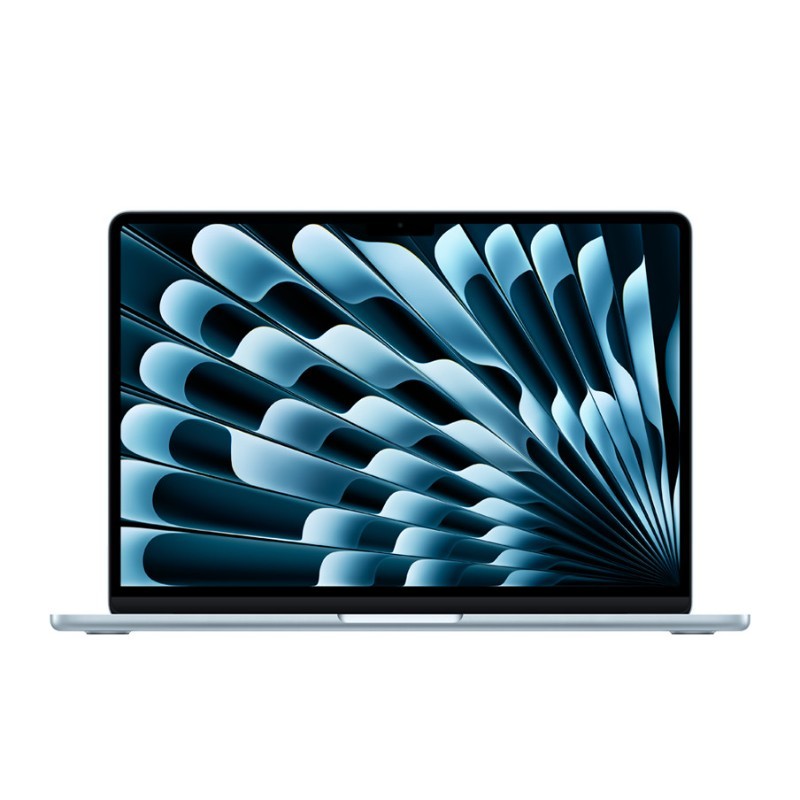
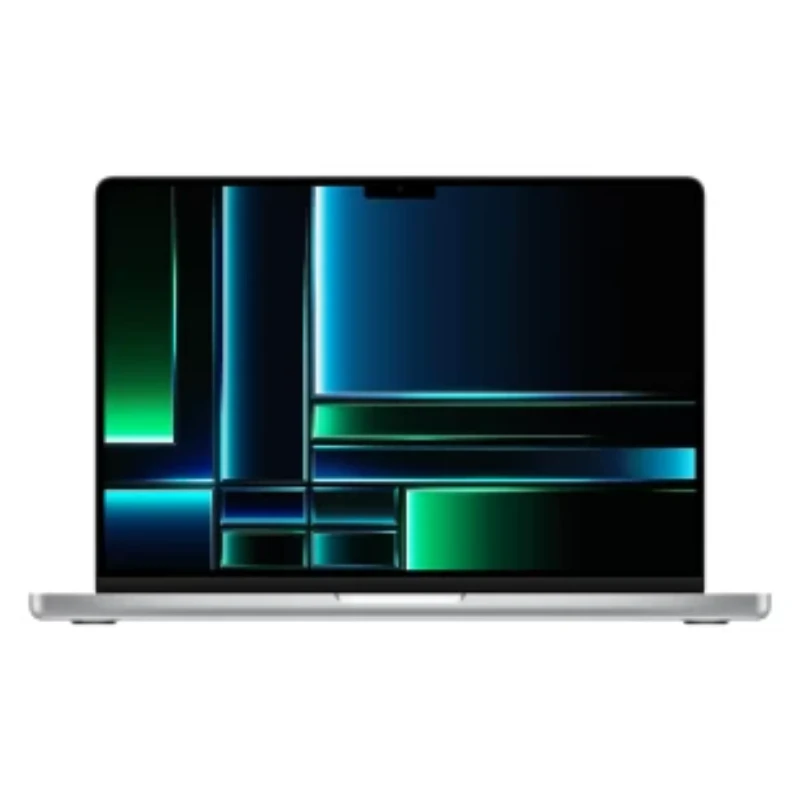
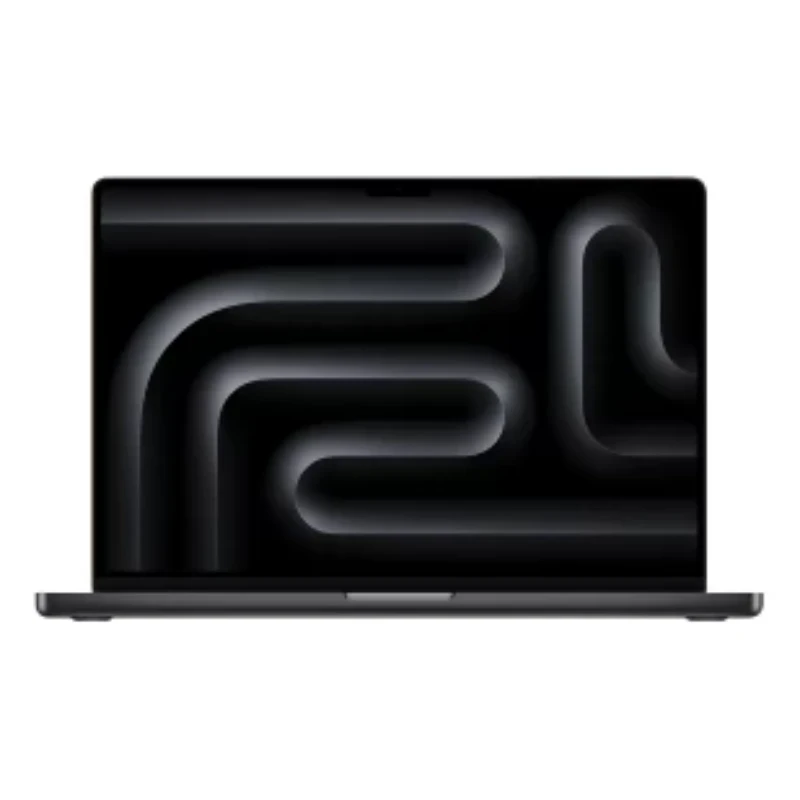
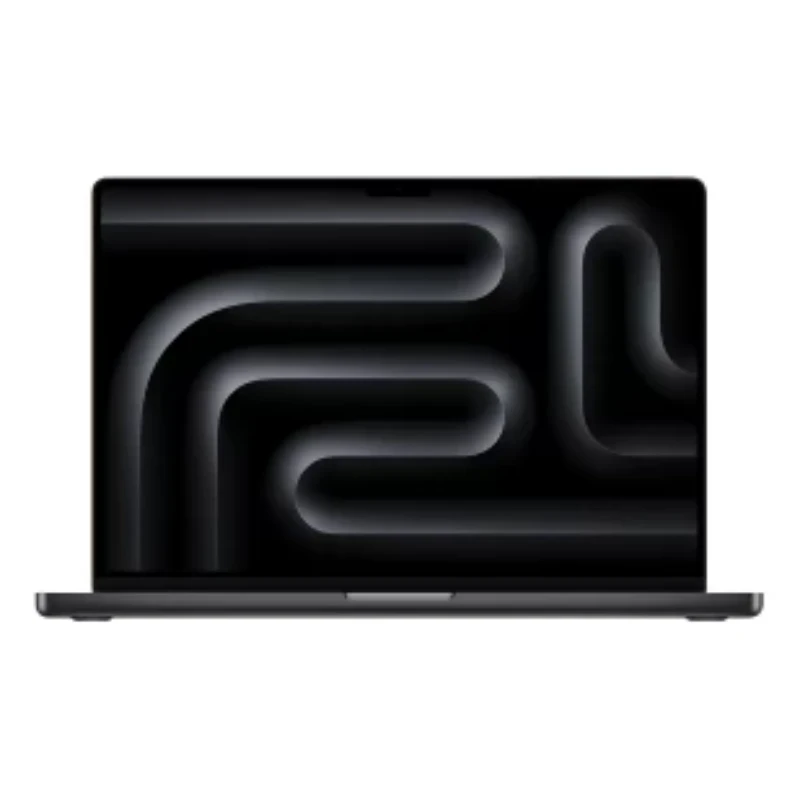
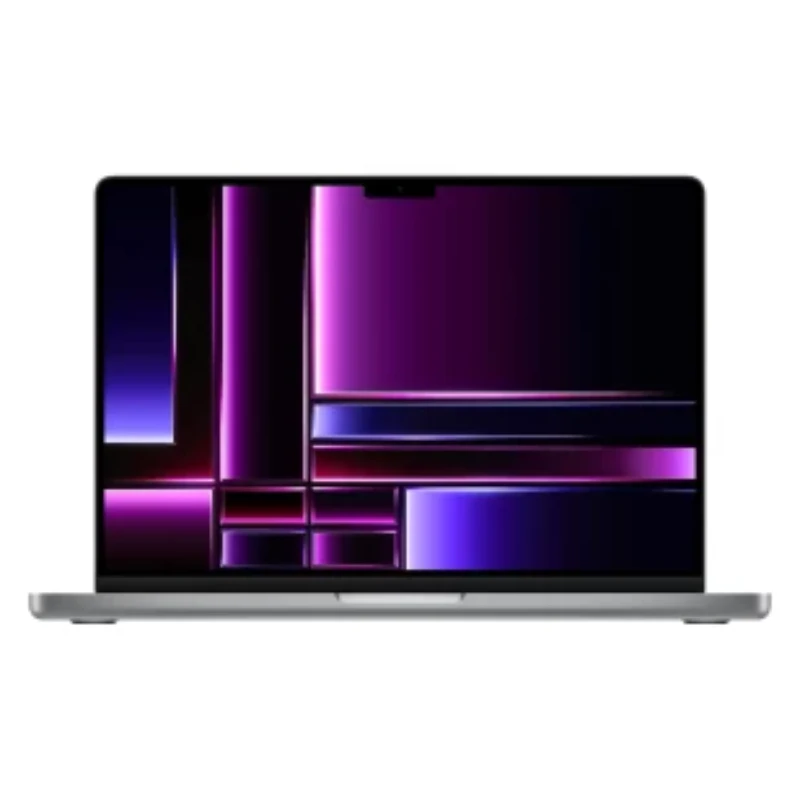
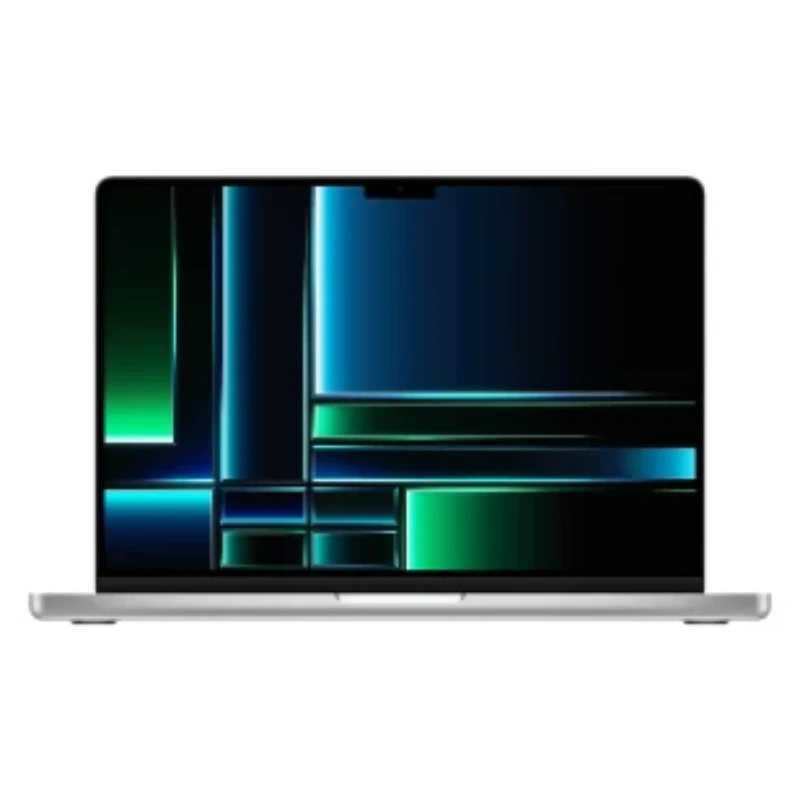
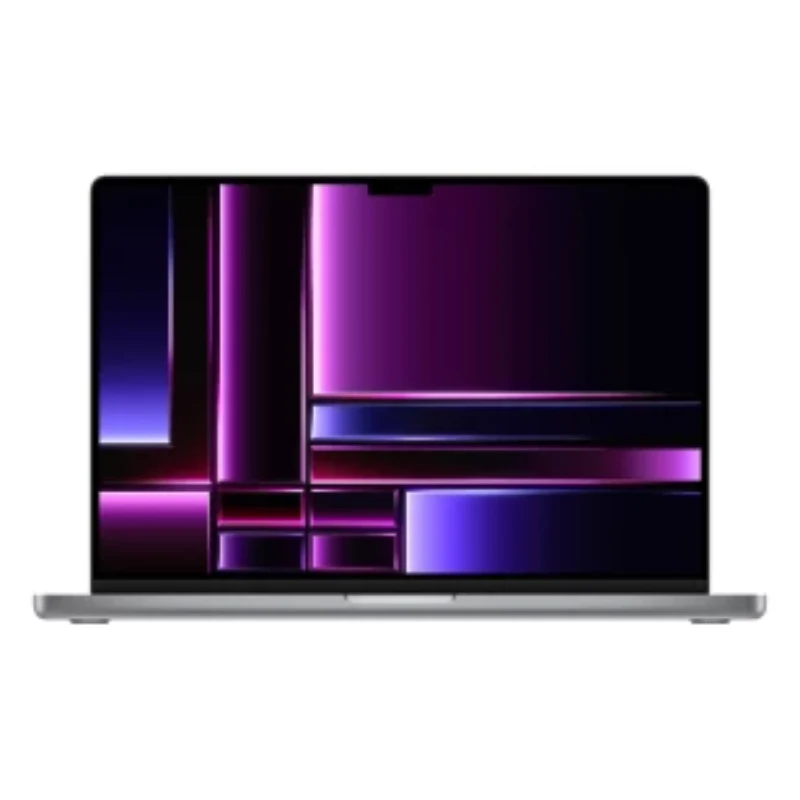
Here are the steps to find your MacBook model
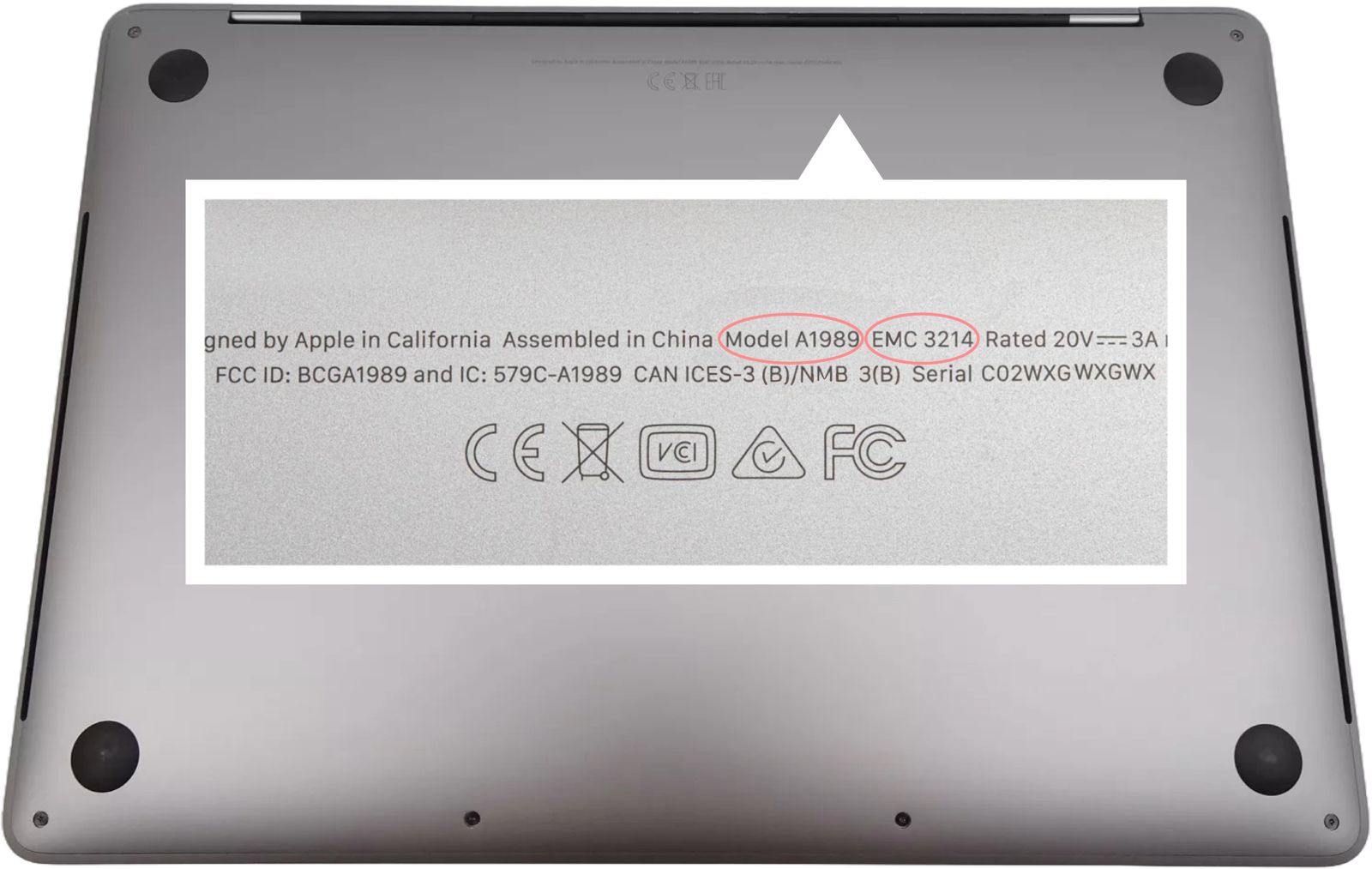
There are two easy ways to identify your MacBook: from macOS, or from the model number printed on the underside.
Method 1: Check "About This Mac" in macOS
- Click the Apple menu in the top-left corner of the screen.
- Choose "About This Mac".
- The model name and year are shown at the top of the window — for example "MacBook Pro 14-inch, 2023".
- For the exact model identifier, click "More Info" and then "System Report", where it is listed as "Model Identifier".
Method 2: Read the model number on the underside
- Close your MacBook and turn it upside down.
- Read the small print near the hinge — it ends with a model number beginning with "A" followed by four digits, for example A2779.
- Match that A-number against the list below to find your model.
- If the print has worn away, use Method 1 instead, or send us the serial number and we will identify it for you.
| Model Name |
Model Number |
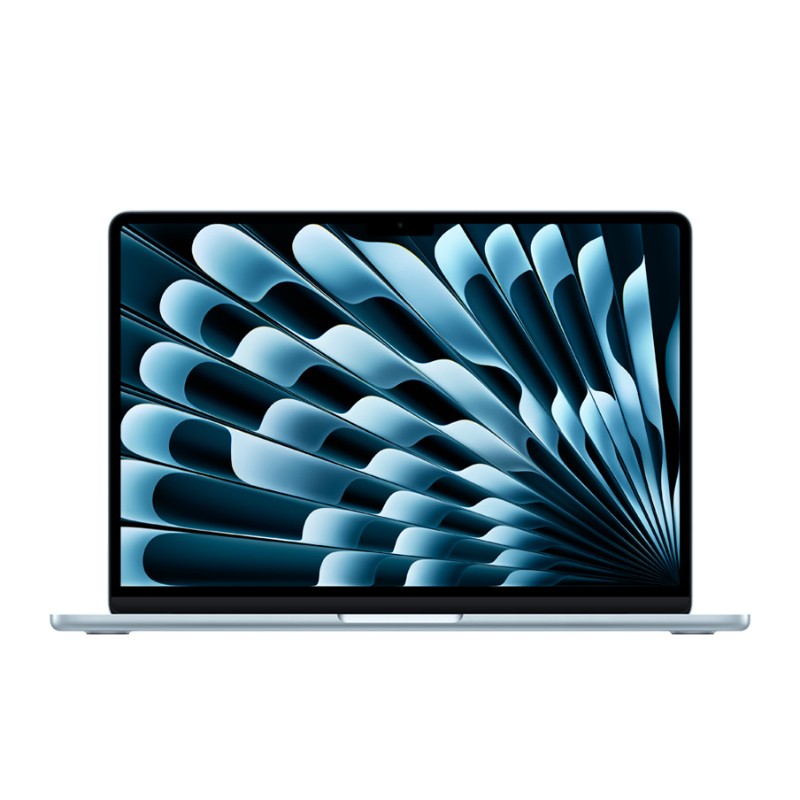
| MacBook Air 13-inch |
A1466, A1932, A2179, A2337, A2681, A3113 |
| MacBook Air 15-inch |
A2941, A3114 |
| MacBook Pro 13-inch |
A1502, A1708, A1706, A1989, A2159, A2251, A2289, A2338 |
| MacBook Pro 14-inch |
A2442, A2779, A2918, A2992, A3401, A3185, A3426, A3427 |
| MacBook Pro 16-inch |
A2141, A2485, A2780, A2991, A3403, A3186, A3428, A3429 |
| MacBook 12-inch |
A1534 |
| MacBook Neo 13-inch |
A3404 |